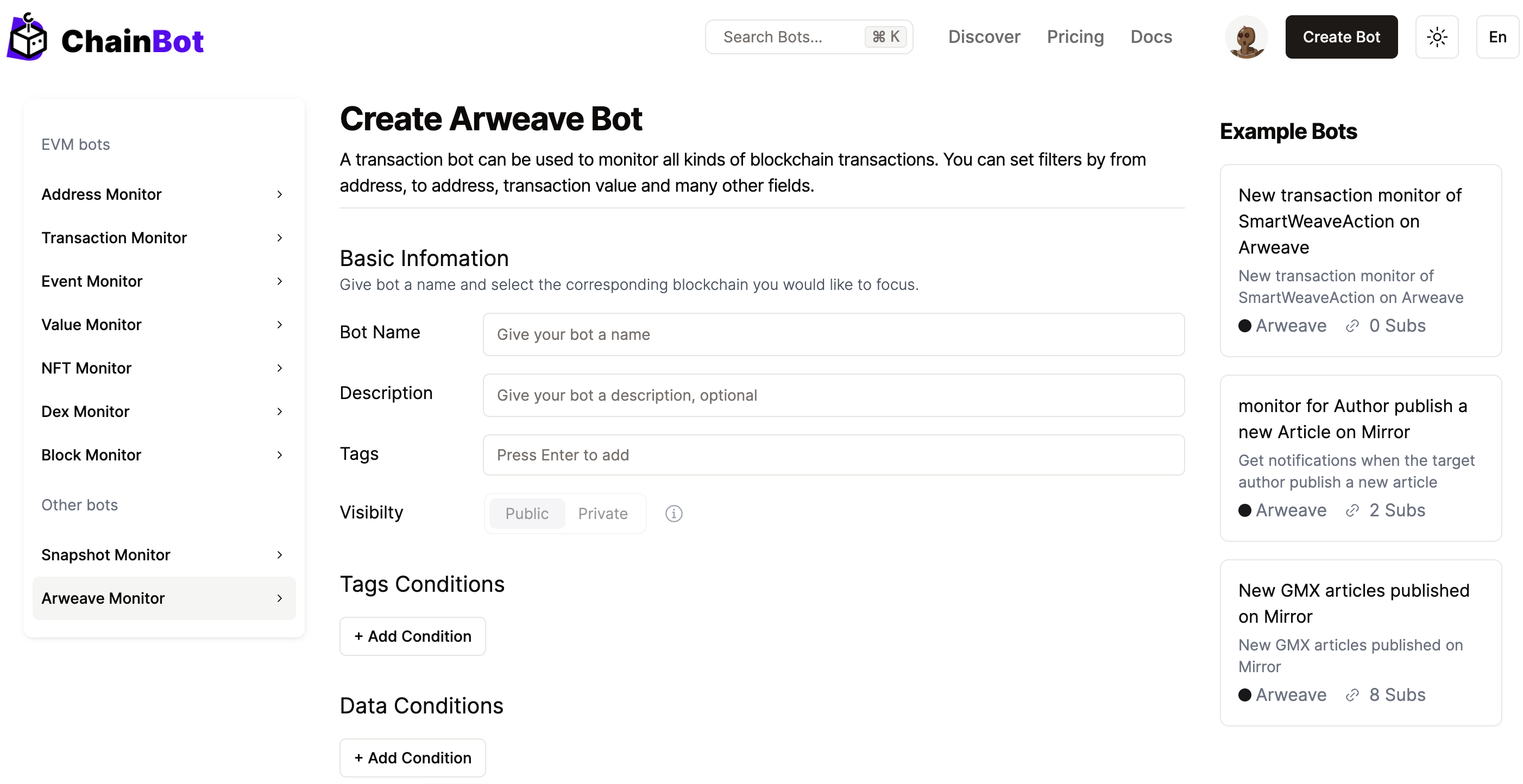
Create a Arweave Bot
Create a Arweave Bot
| Parameter | Symbol | Description |
|---|---|---|
| App-Name | ==, in | Application name tagged by Arweave users on Arweave, e.g., Mirror uses the tag "mirrorxyz" |
| Contributor | ==, in | Contributor of content on Arweave, for example, the author of an article in Mirror |
| Original-Content-Digest | empty, notEmpty | When content on Arweave is updated, the digest of the initial push content will be tagged as Original-Content-Digest |
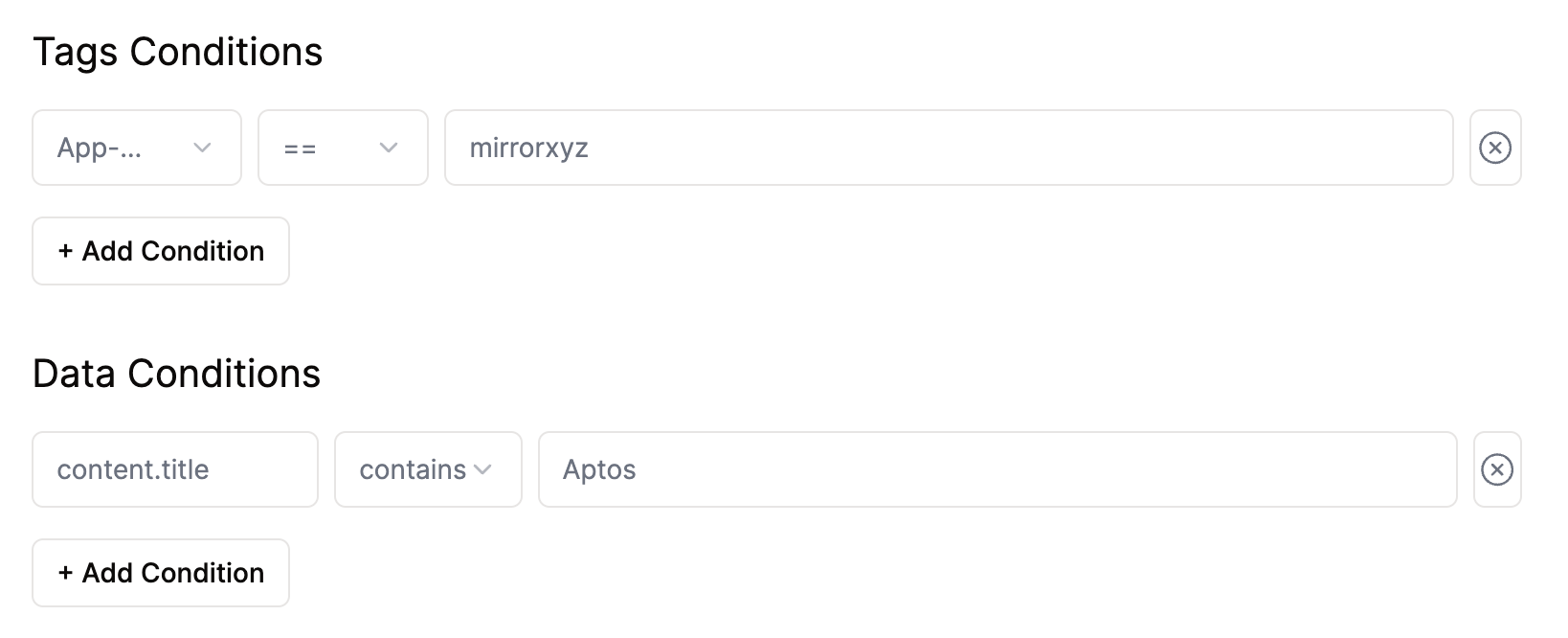
Conditions Demo
| Variable | Description |
|---|---|
| $data.{} | Data information retrieved from specific content on Arweave, dynamically parsed |
| $tags.{} | The value of any tag parsed from Arweave, dynamically parsed |
| $tx.id | Transaction ID on Arweave |
| $tx.owner.address | Initiator of the transaction on Arweave |
| $block.id | Block hash generated on Arweave |
| $block.timestamp | Timestamp of the block generated on Arweave |
| $block.height | Height of the block generated on Arweave |