> For the complete documentation index, see [llms.txt](https://docs.chainbot.io/llms.txt). Markdown versions of documentation pages are available by appending `.md` to page URLs; this page is available as [Markdown](https://docs.chainbot.io/bot-case/dex-bot-demo.md).
# Dex Bot Example
> Typical configured Dex Bot monitoring cases. You can refer to these cases to learn and configure your Bot monitoring.
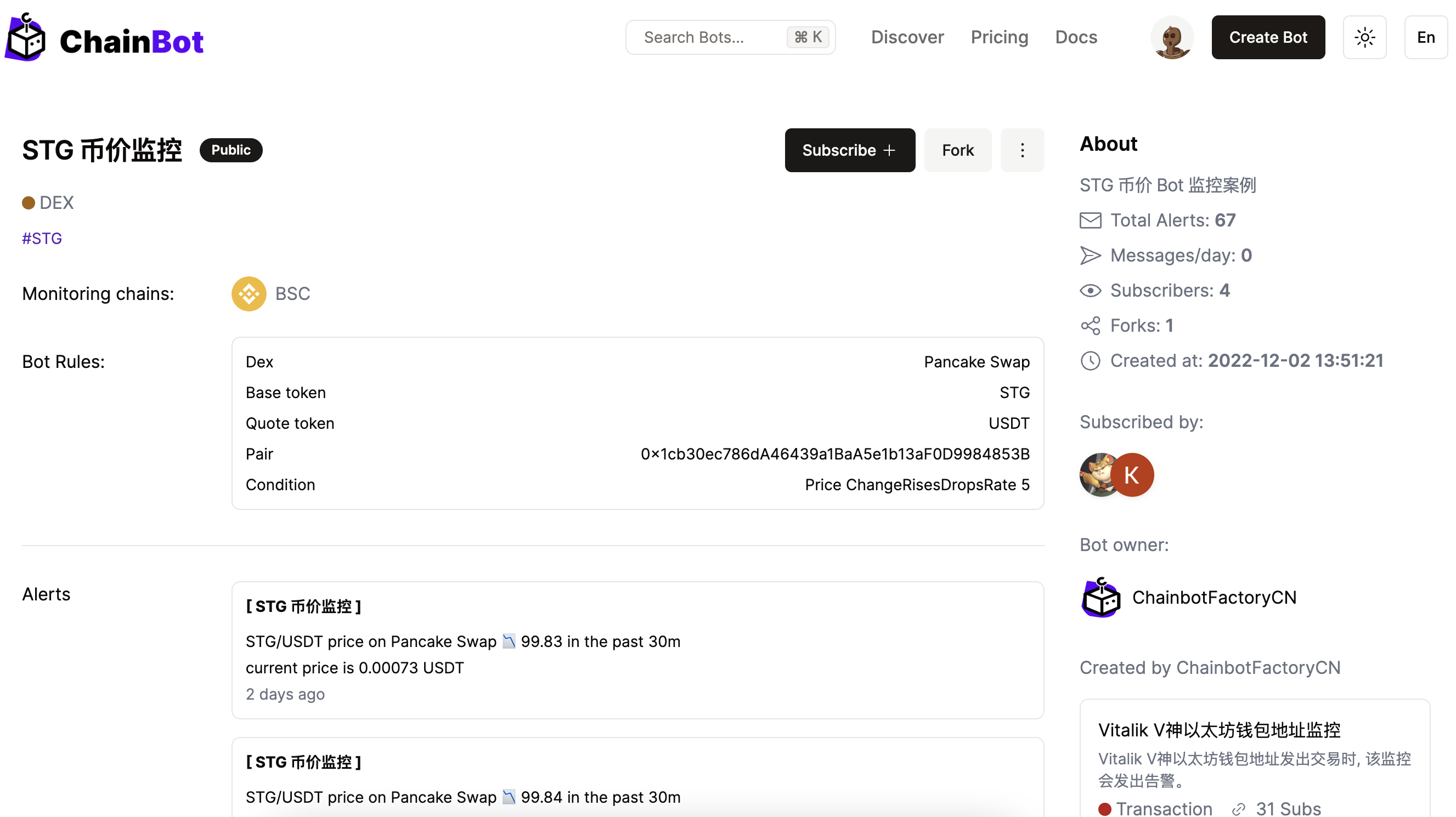
### Uniswap V2 Token Price Monitoring
Price Bot Monitor by Dex
[Go to Bot Case](https://chainbot.io/bot/309115106724321043)
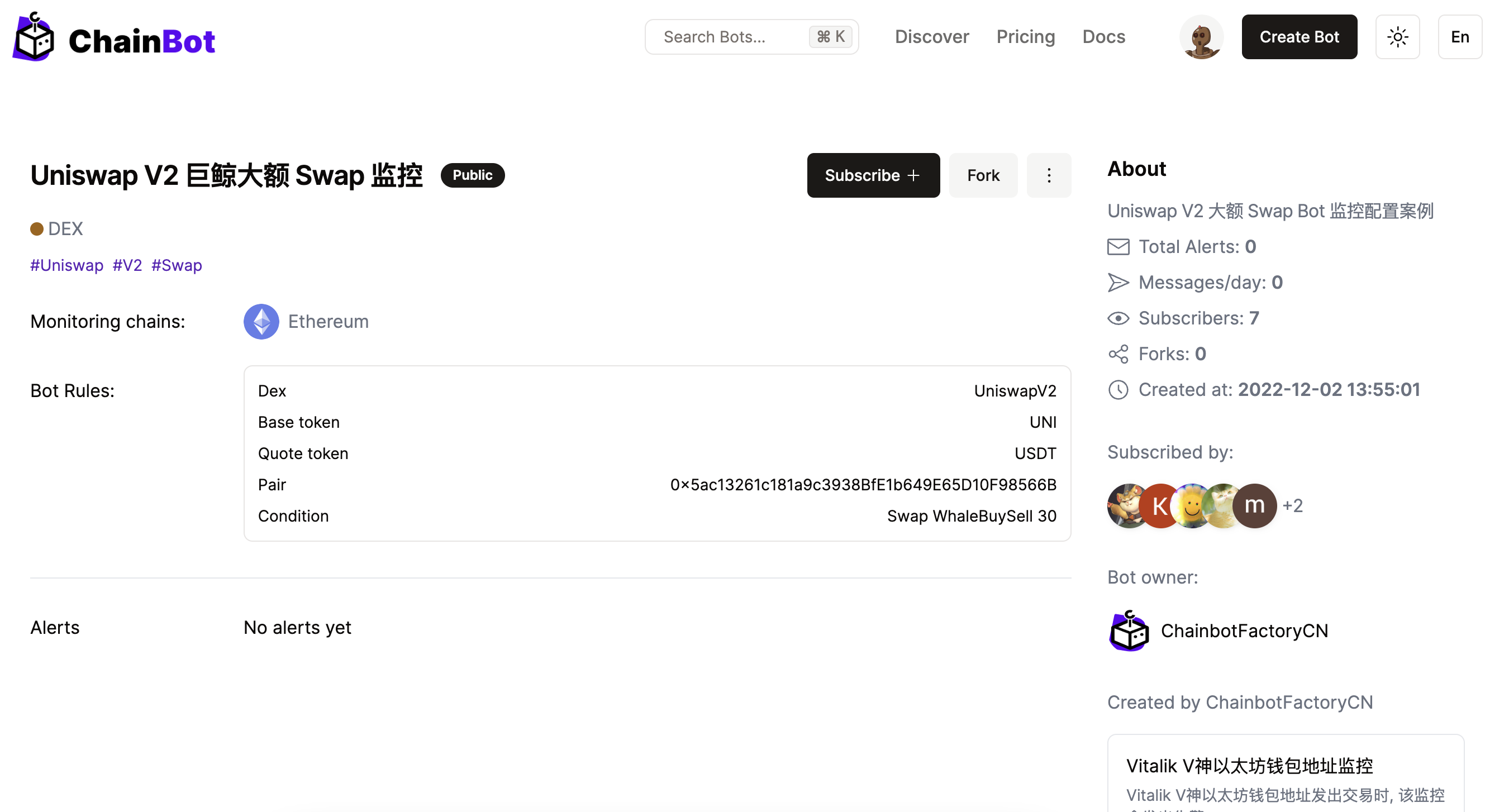
### Uniswap V2 Large Swap Monitoring
Swap Bot Monitor by Dex
[Go to Bot Case](https://chainbot.io/bot/309115846817650451)
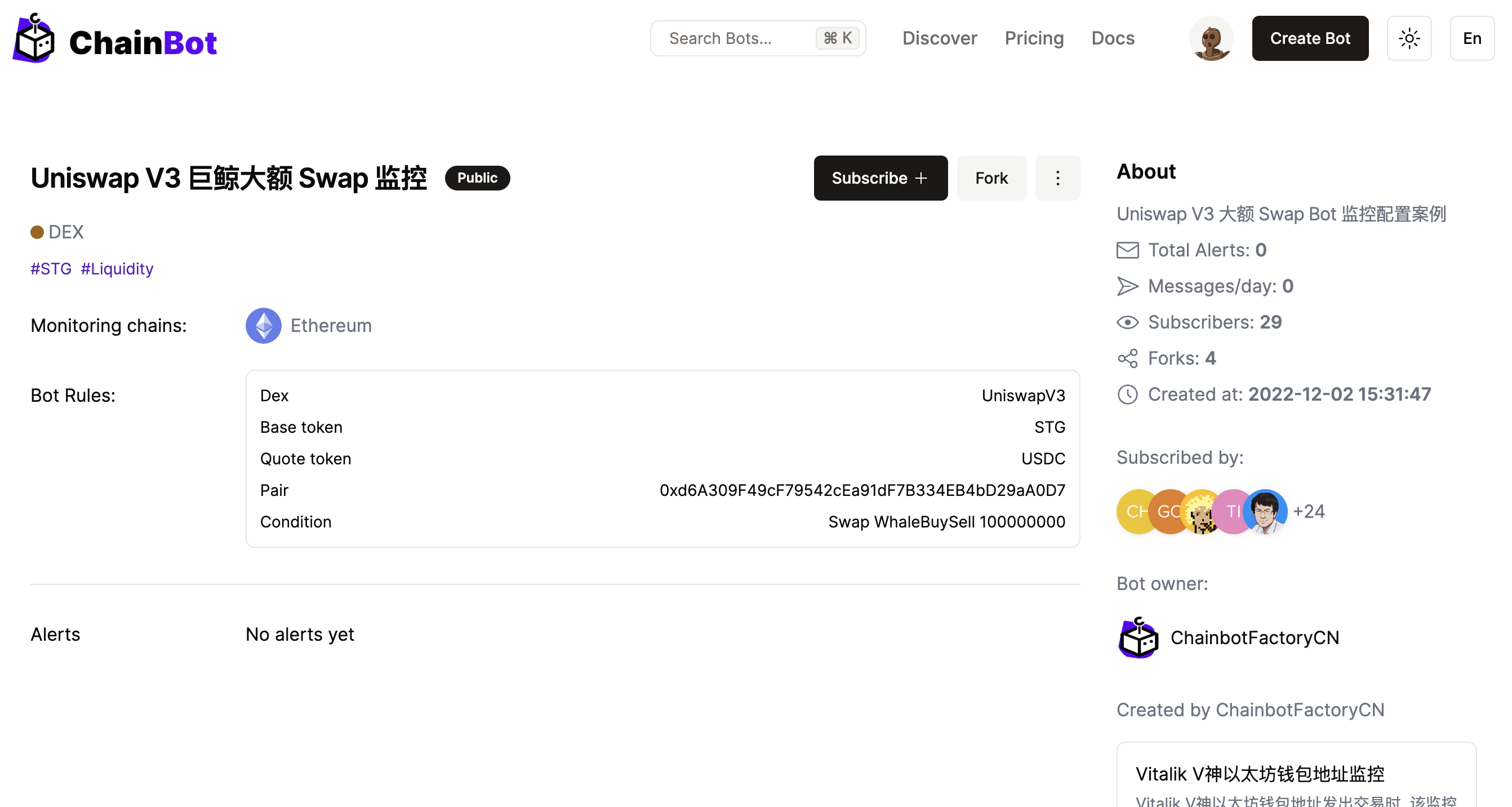
### Uniswap V3 Large Swap Monitoring
Swap Bot Monitor by Dex
[Go to Bot Case](https://chainbot.io/bot/309135326927427347)
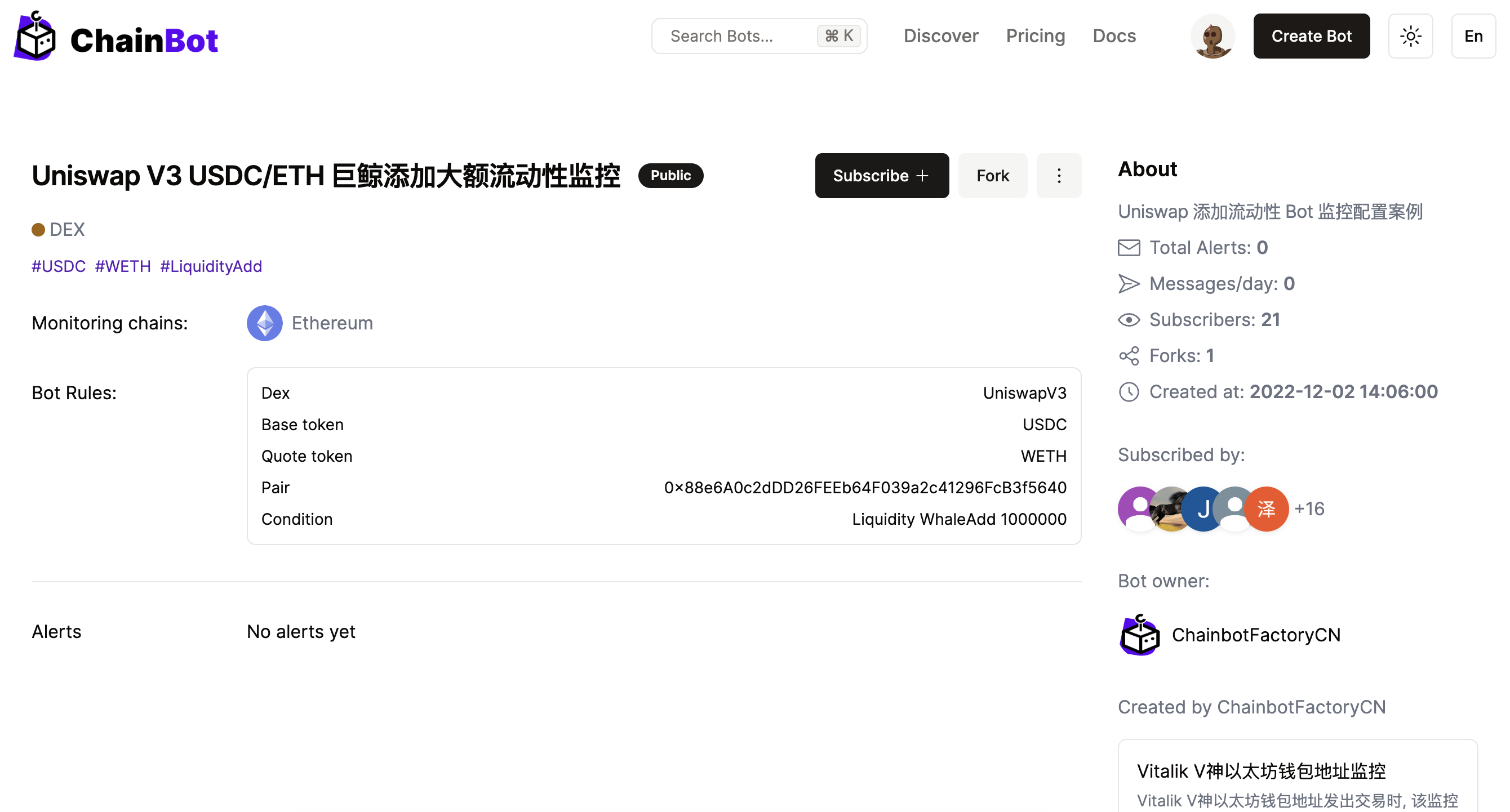
### Uniswap Add Liquidity Monitoring
Add Liquidity Bot Monitor by Dex
[Go to Bot Case](https://chainbot.io/bot/309118057065125651)
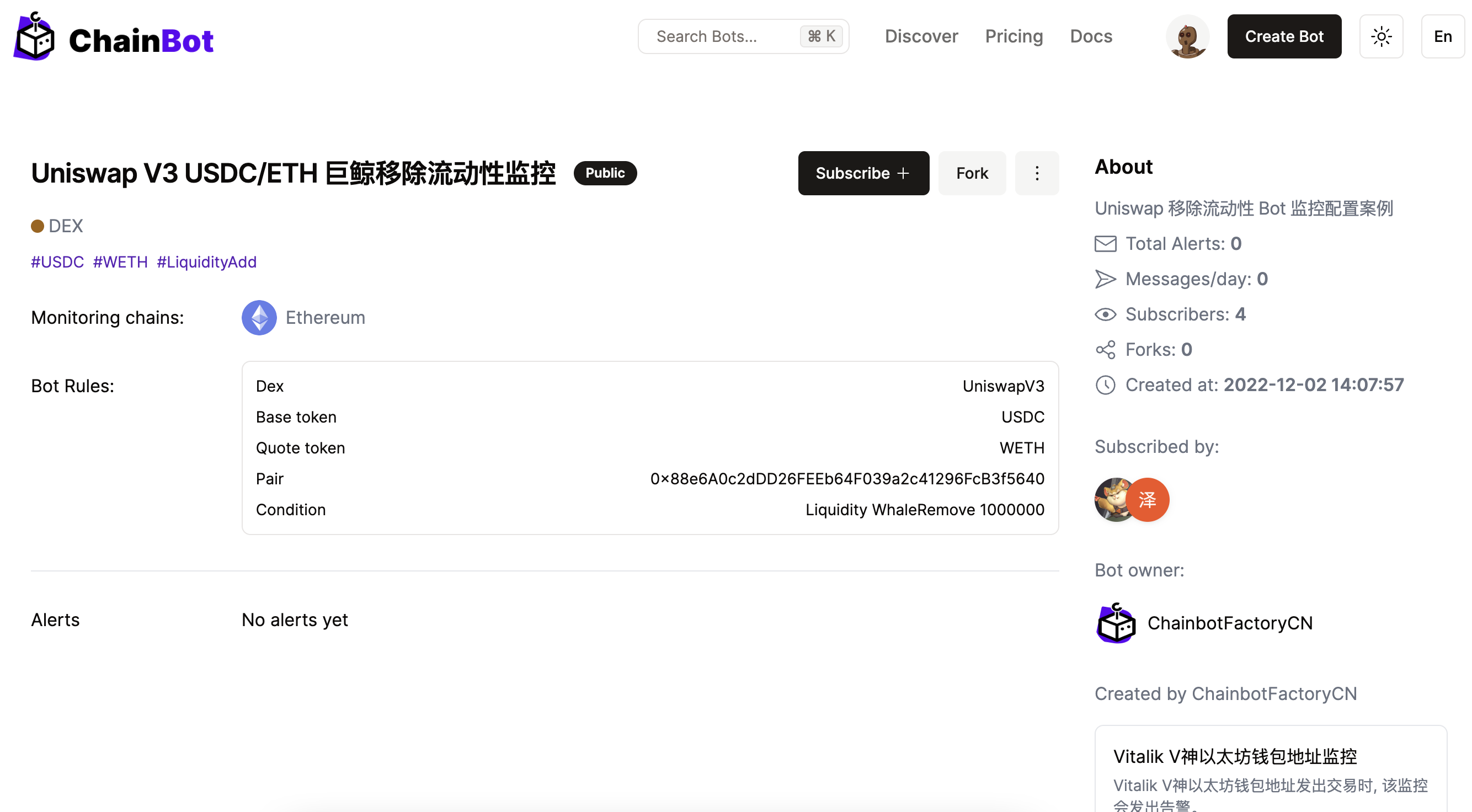
### Uniswap Remove Liquidity Monitoring
Remove Liquidity Bot Monitor by Dex
[Go to Bot Case](https://chainbot.io/bot/309118450188916499)